News
xAI Grok launches video analysis feature to search visual information

xAI has made new changes to the Grok web features by launching video analysis feature. It allows you to upload video clips to analyze their content.
To start, you need to go to the Grok website and upload a file from the search bar. Once uploaded, Grok will let you review the uploaded video with a standalone video player. Next, you have to share instructions such as “What’s in this video”. The AI will start breaking down the video into pieces and give you insights through a frame-by-frame format.
For example, I tried this feature by uploading a 6-second Grok Imagine video clip of a Panada’s coaster ride. The AI took only a few seconds to decode the clip and come up with an analysis.
It revealed that the video is likely generated with AI and shared the scenario “a super-cute cartoon panda having the time of its life on a roller coaster.” This information was followed by a time-stamp breakdown for each second, as shown in the screenshot below.
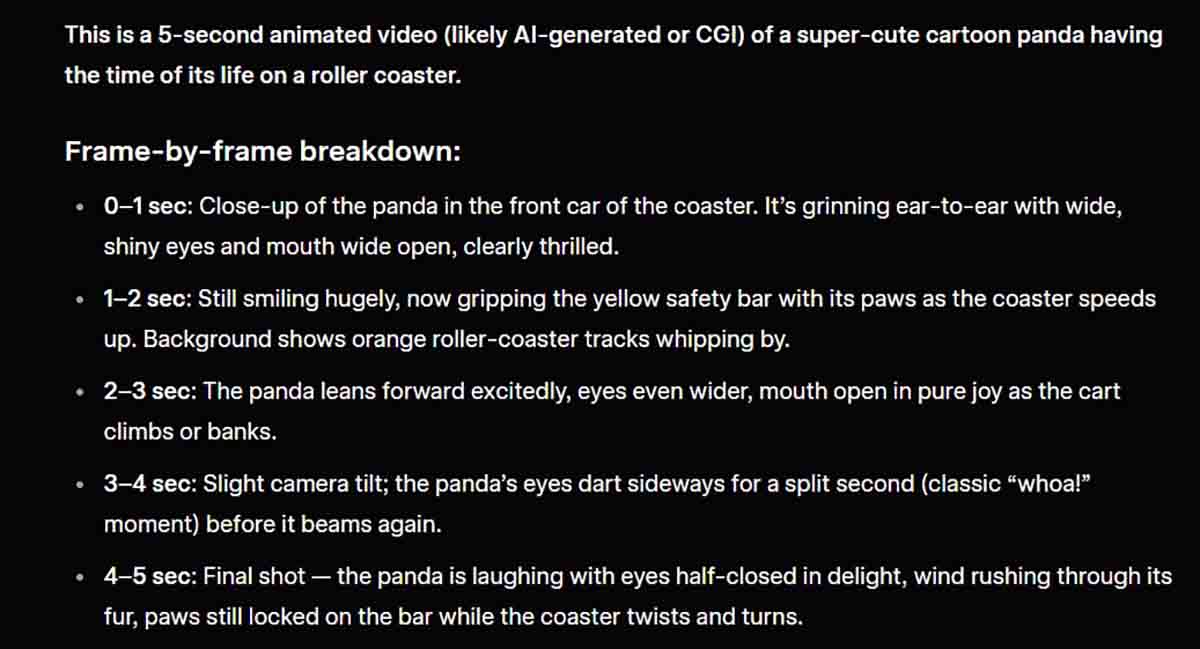

That was a basic command, you can run through specific queries such as “Is there any Tesla Cybertruck in this video”. Grok will verify your question and reply accordingly.
Grok Analysis
Grok has multi-agent capabilities and is trained on massive datasets. The AI can answer almost anything, and with Grok 4.20, this power has increased even further. It employs these agents to for research on multiple fronts at once. The same goes for its imaging model, which continues to get enhanced with each update.
But there’s a hidden side of its imaging model – Analysis, which extracts any type of file type that you could throw away at the AI. It can turn sketches into images, help you generate realistic arts and turn writing into a complete code base.
Adding video analysis is whole new feature to the users, which will enable information access and help users to know more about the video in detail. Video analysis feature is available for all xAI Grok users on web platform, and it may soon come to mobile devices.