
xAI
Grok AI gets full screen Focus Mode to remove distractions

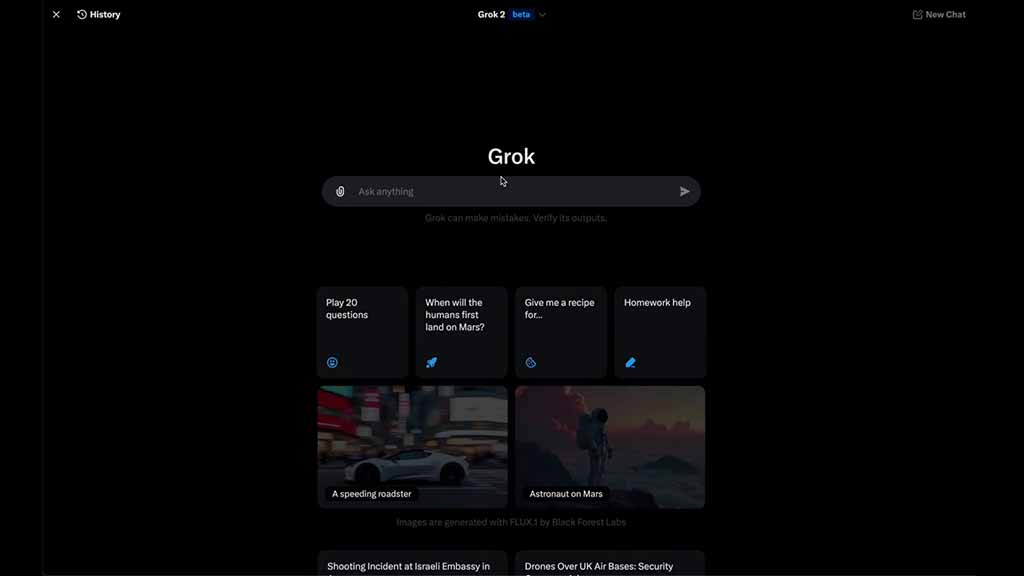
AI company xAI is seeding a new Focus Mode feature for Grok users on X, allowing you to remove all of the distractions from the screen and use it in full view.
This is a simple addition to the AI chatbot and you can use it with one click on the screen. To interact, open Grok from the left side menu or the bottom navigation bar.
Once opened, click on the pagination icon on the top left side beside the history button. This will expand the Grok homepage to the full screen and hide the left menu bar.
Furthermore, when you open grok.x.com, it will redirect you to the Grok home screen in focus mode by default.
Grok just got a “Focus Mode”, which lets you remove all distractions from the page. Available on web.
Props to @abustin who shipped this on his 3rd day at xAI. pic.twitter.com/rTKfoDfjFH
— Yaroslav (@512×512) November 24, 2024





