
xAI
xAI rolls out dedicated Grok Companions tab

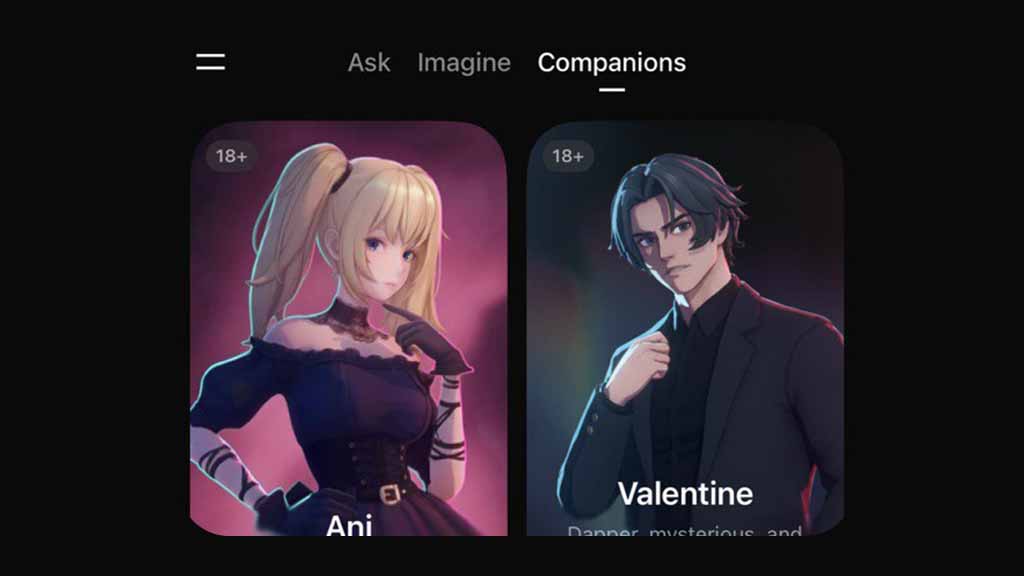
xAI has released a dedicated AI companions feature tab for Grok app users on the iOS platform, providing seamless access with an interactive interface, including different options.
The new companions tab is part of a new iOS app update published on the App Store. Unfortunately, xAI is keeping companions exclusive to iPhone users, while the Android release is still pending.
The AI company introduced a tab system with Imagine video generation. Users can switch back and forth between chat and Imagine with one tap on the top of the screen. With this addition, Companions has become the third tab.
The most interesting thing about the new tab is the dedicated space to host all of the available companions. This also indicates that xAI plans to introduce AI avatars in the future, and the list will continue.
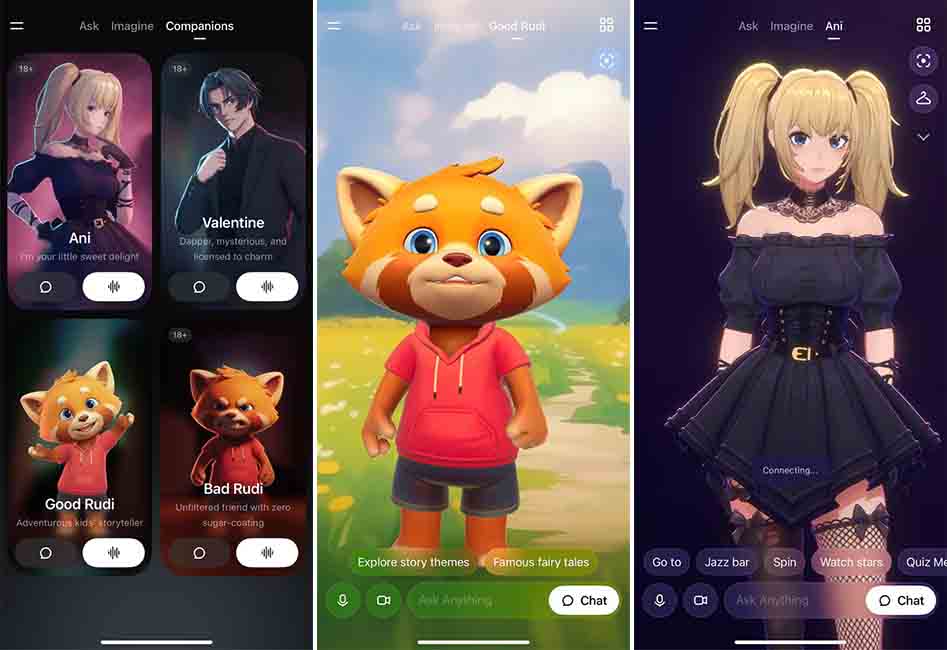
xAI Grok Companions Tab
As soon as you open the Companions tab, the Grok app will show you a grid view of available avatars. That includes Ani, Valentine, Good, and Bad Rudi. Each has grids with images and labels, such as name and age rating. For example, Ani, Valentine, and Bad Rudi have “18+” labels, showing their mature language and graphics.
These grids contain buttons such as chat and voice chats, redirecting you to the companion screen. Or you can start with a companion in voice mode with a tap on their image.
As soon as you launch a companion, the tab name will be replaced with that companion’s label, for example, Ani. You can switch back to the companions grid with the grid button on the top right of the display.
xAI is gradually releasing the companions tab for Grok iOS users with a new update.





