Perplexity
Perplexity rolls out email, calendar, Notion and GitHub app connectors

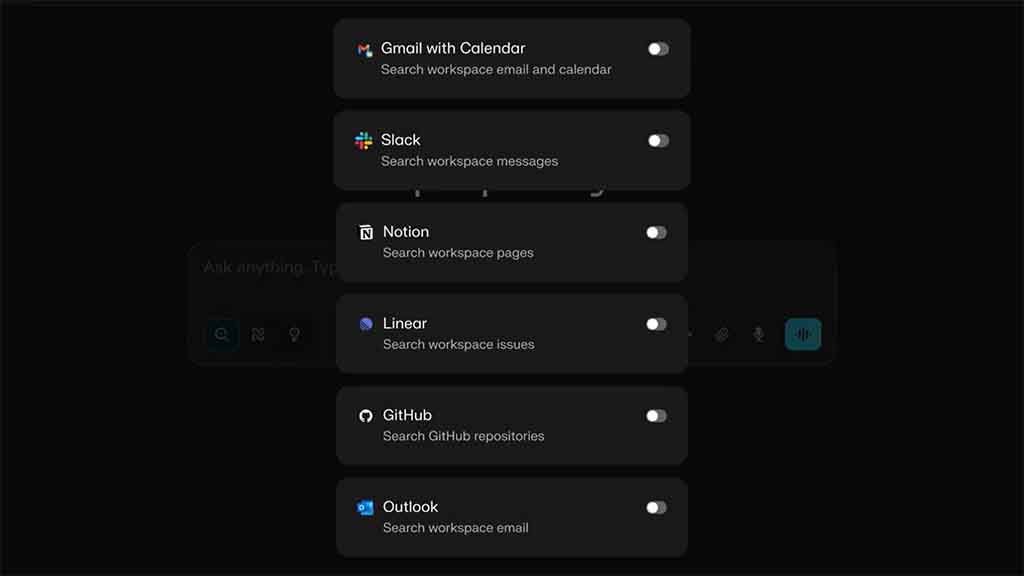
Perplexity has announced that it’s rolling out new app connectors to allow users to connect their email, calendar, Notion, and GitHub accounts directly to the platform and get seamless access to all of their data in one place.
For example, you can ask, “Take a look at this Notion doc, ‘App Connectors.” Convert it into a Linear project with prioritized tasks and sub-tasks. Create the issues in Linear and assign them to the right people. Perplexity will run through the connected apps and complete these tasks just as asked.
To use connectors, go to perplexity.ai/account/connectors. Here you will find all of the available connectors. Pro users will see Gmail, Outlook, Google Drive, Dropbox, Linear, Notion, GitHub, and WhatsApp. You will be required to authenticate your account for these services, but before that, you can read about the permissions and data modification guidelines on their respective connector screen.
Once connected, the connector app will be previewed on the prompt bar.