
xAI
xAI launches video playback controls for Grok Imagine

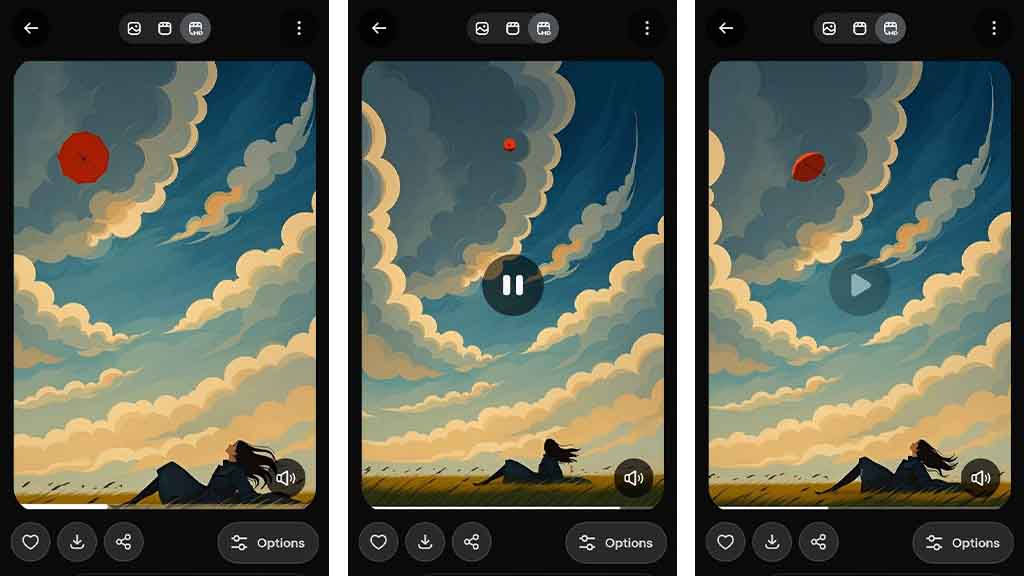
xAI has announced a major update to the Grok app, introducing video playback features for all Imagine AI videos to enhance the user experience.
Lara Lu, from the Grok Android app team, has announced this new capability. You can now tap the video to play and pause it, a feature not available in the previous app version. On the other hand, you seek the video timeline bar to view any point in time, just like a video player. All you need to do is tap and hold and drag the progress bar either to the left or right.
Grok Imagine is an AI-powered video generator. Users need to describe the scene, and Grok will generate it within a few seconds. xAI team is continuously pushing new upgrades to the Imagine model; the current version, v0.9, has enhanced the output quality. For example, the skin texture, quality of the background, and the instructions following are way better.
xAI Grok Imagine Video Playback
Imagine is also available on the web, but the mobile app features are coming first for users. In this case, the video playback feature is currently exclusive to Android Grok app users. However, it’s releasing gradually with app version 1.0.70. You can get this new update from the Google Play Store.
Grok Android 1.0.70 is finally live! I added support for tap video to pause/play ⏯️ and the seek bar to enhance your video playback experience. Enjoy! pic.twitter.com/tMteSP7dIq
— Lara Lu (@larrabearr) November 11, 2025
Recently, the Grok Android app has added a text-to-video feature, which allows you to create a video from the prompt, without requiring you to generate an image first. Interestingly, these features are currently only available to Android app users, and the iOS rollout is yet to happen.
Furthermore, users can switch between the SD and HD tabs to see a high-quality version of the new video generation. The xAI team has promised more Grok Imagine improvements that will continue to drop on Android, iOS, and web platforms.





