xAI
xAI launches multi-reference Image editing in Grok Imagine

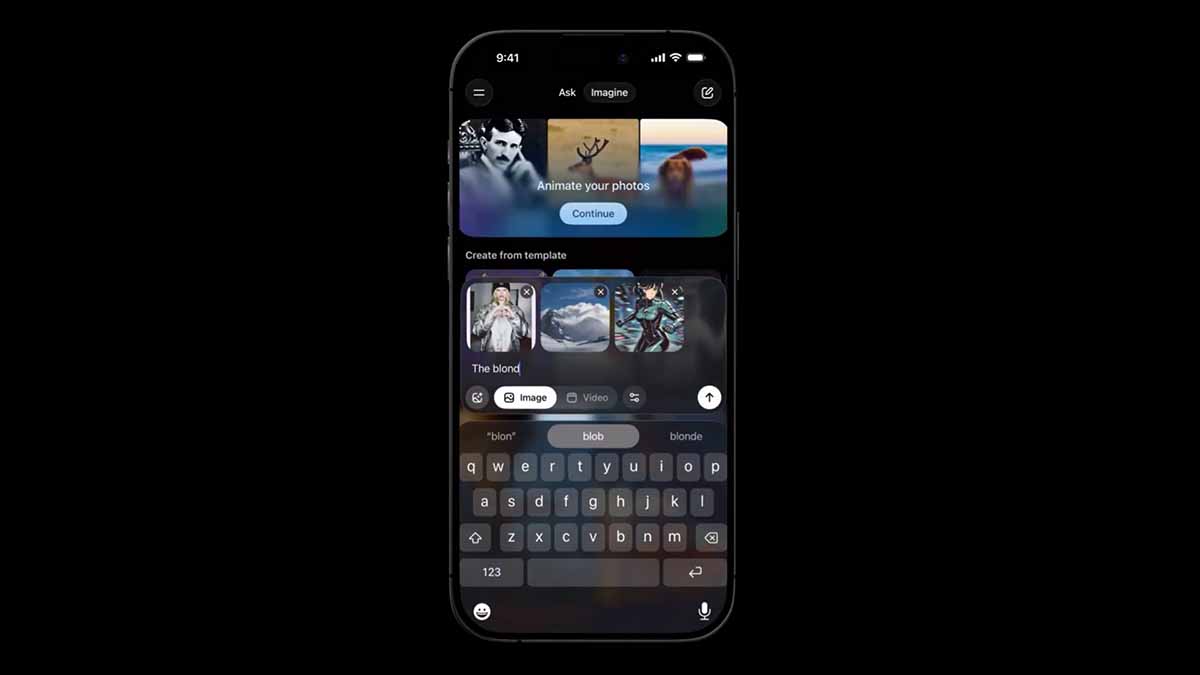
xAI has launched new multi-reference image editing for Grok Imagine. The update lets users combine multiple images to blend characters, styles, environments, and more, all through simple natural-language prompts. This builds directly on Grok’s earlier image-to-image editing capabilities, which can now handle 2 to 3 reference photos at once.
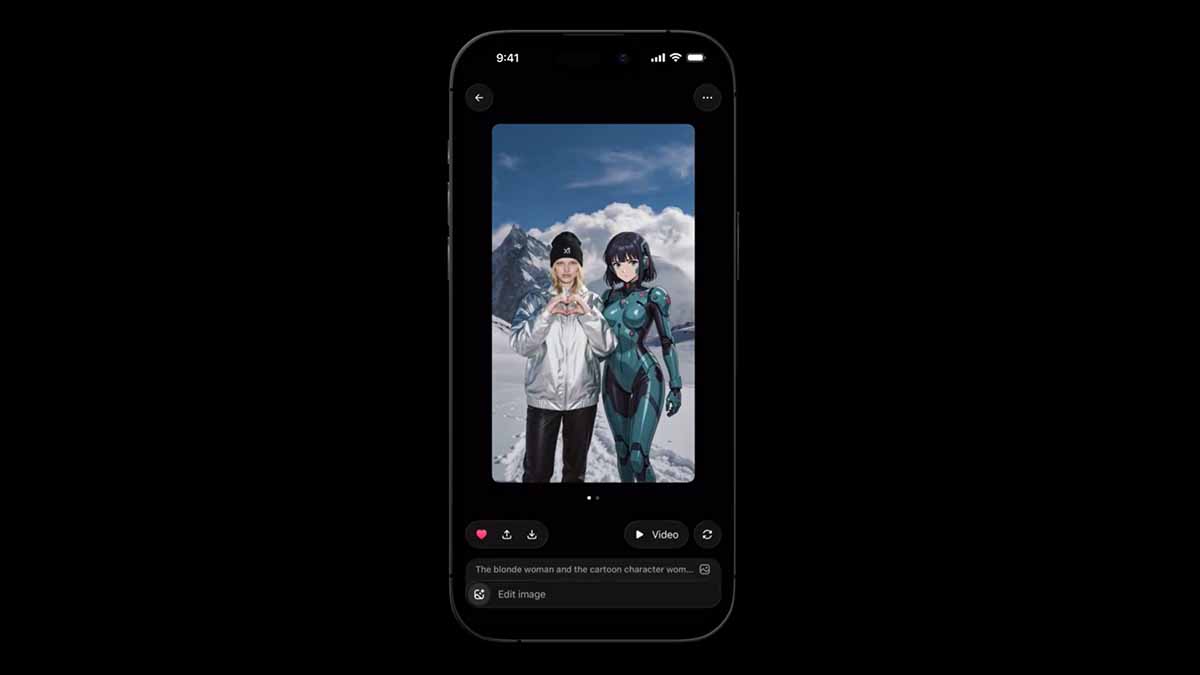
The feature, powered by xAI’s Aurora model, delivers intelligent blending while preserving lighting, perspective, and stylistic coherence. Creators can now generate characters across scenes, transfer artistic styles to real photos, or composite entirely new visuals without switching tools or apps.
A demo video showcased multi-image combinations, highlighting how users can mix elements for everything from concept art to personalized social content.
This upgrade addresses a long-standing limitation in AI image tools. Previously, most platforms handled only one reference image, but Grok Imagine supports simultaneous uploads, making complex compositions far easier and faster.
How to use the new Grok Imagine multi-reference image editing
- Open the X app or x.com and tap the Grok icon (bottom navigation on mobile, sidebar on desktop).
- Select Grok Imagine.
- Tap the image upload icon and choose 2–3 photos from your device.
- Write a clear combination prompt, e.g., “Place the character from the first image into the environment of the second image, in the artistic style of the third.”
- Generate, then refine iteratively: “Make the lighting warmer” or “Increase the character’s prominence.” Download or share directly on X.
This new multi-reference image editing for Grok Imagine is now available for free to try through the Grok app.