News
Here’s how to create music with Lyria 3 and Gemini

Google launched Lyria 3, and it’s available via the Gemini app in beta, allowing anyone to create ready-to-use music. You just need to type a quick idea or drop in a photo or short video clip, and seconds later you get a 30-second track with real-sounding vocals, clear lyrics, and full 48kHz stereo audio.
Lyria 3 handles multiple genres, picks up moods from images, and works in at least eight languages, including Hindi. You stay in control by tweaking tempo, vocal style, or energy level, so the output actually matches what you want instead of random noise.
The model builds cleaner lyrics and expressive voices than before, and every track gets an invisible SynthID watermark, so listeners know it came from AI.
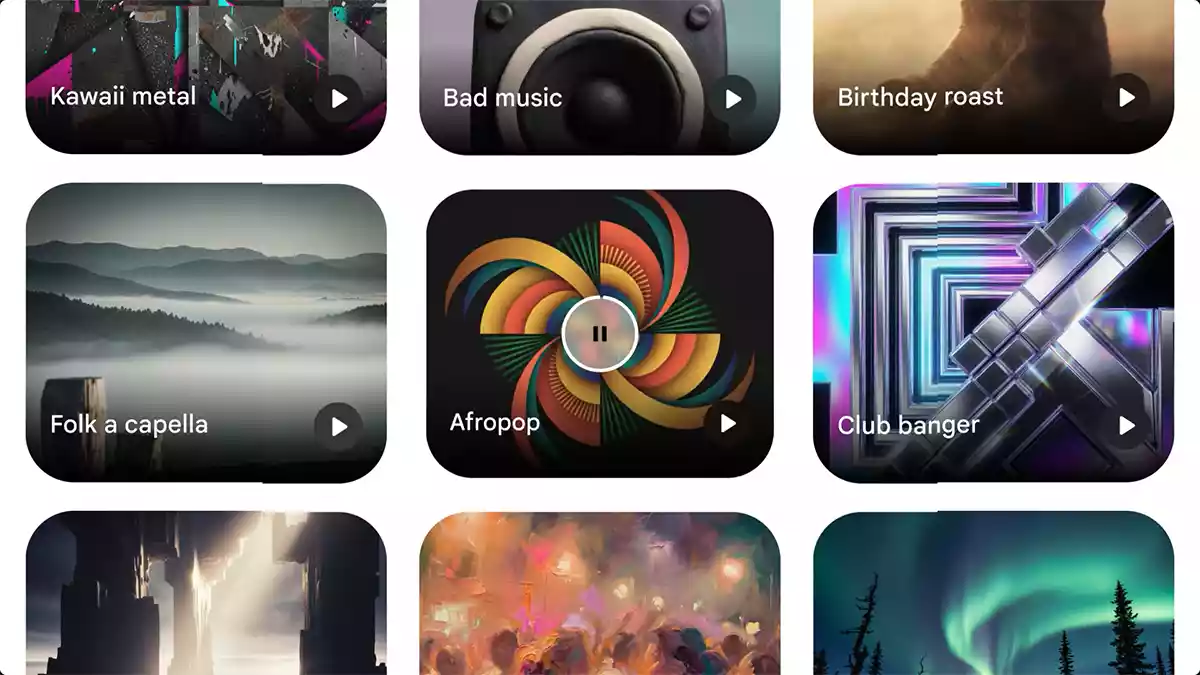
Google made Lyria 3 available for global users, aged 18 and older, with just a regular Gemini account, no extra fees or waitlist. Early users show that the music generation model delivers everything in the selected genre.
Here’s how you can create your own music track with Lyria 3 and Gemini.
- Open the Gemini app on your phone and update to the newest version if you haven’t already.
- Tap the prompt box at the bottom.
- Type a clear description like “upbeat electronic track about city nights with female vocals at 128 bpm” or tap the image icon and upload a photo or short video.
- Add extra details if you want, slow it down, pick rap verses, or name specific instruments.
- Hit the generate button and wait a few seconds for the track to finish.
- Play it back, download the audio file, or tweak the prompt and hit generate again until it feels right.
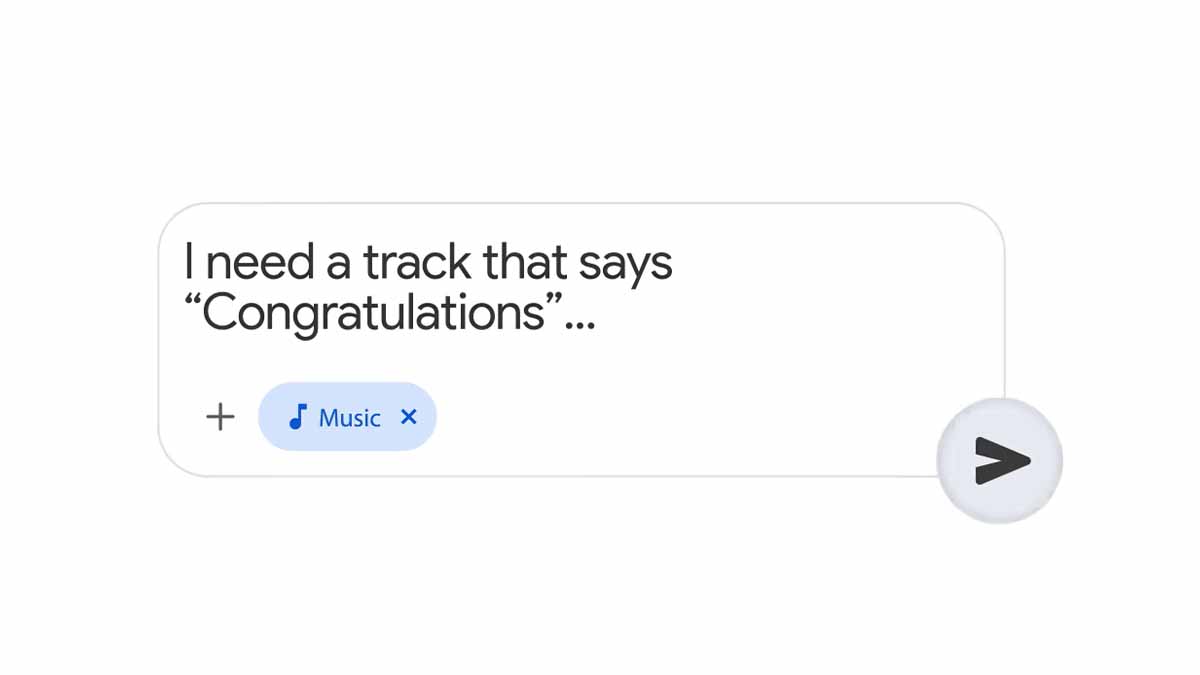
Once generated, you will keep full ownership of your creation. However, Gemini won’t let follow anything that doesn’t align with its guidelines.
In short, Lyria 3 makes pro-level music instant and open to everyone. You can update your Gemini app, pick a simple prompt or photo, and try creating your first track.
(source)