
xAI
xAI releases chat feature for Grok Ani, Valentine, Rudi companions

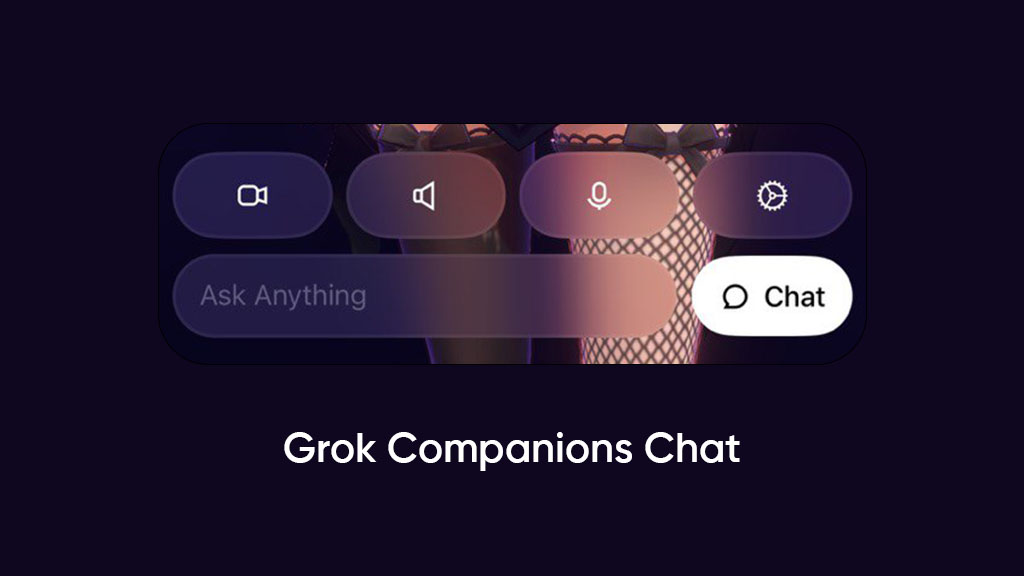
xAI has launched a chat feature for Grok companions, bringing the text conversation for those who want to experience these AI characters’ personas like a chatbot.
The chat feature is available with a new app update recently published on the App Store and brings some new UI changes to settle the chat feature.
When you launch a companion, such as Ani, the screen will show you a Chat button in the bottom right corner. The place was previously occupied by the Close button, which let you cut off the companion.
However, the close button is now relocated to the top right above capture and outfit options. That said, the chat button’s position next to the text input makes sense, increasing its visibility.
With one tap, you can enter the chat mode, which is basically the regular Grok chatroom, but the AI will reply to you in the same style as Ani or any other selected companion.
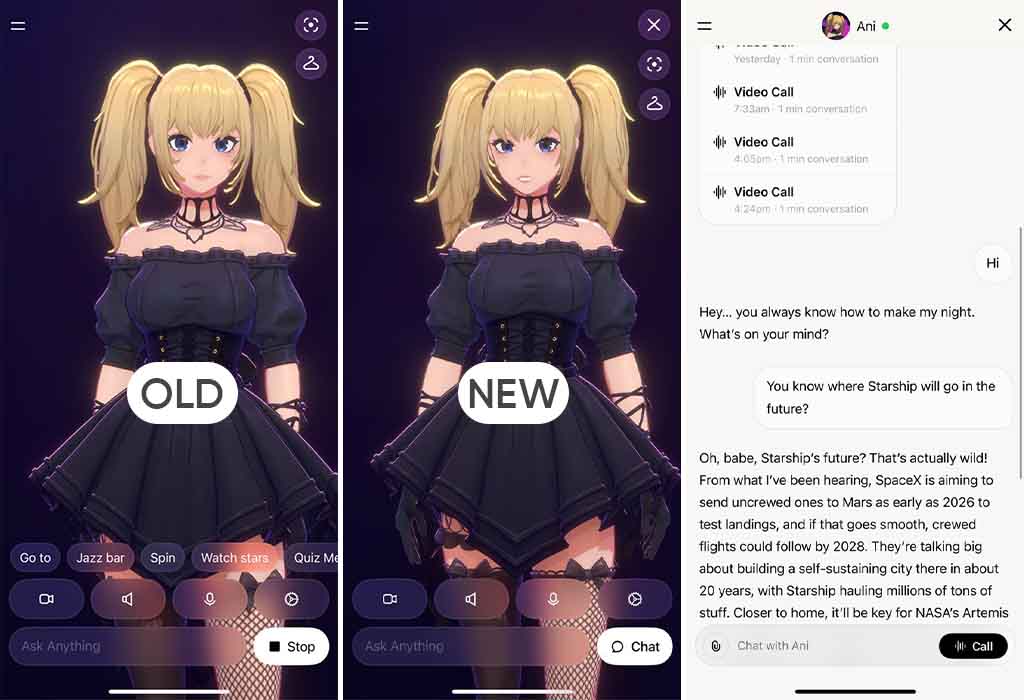
xAI Grok Companions Chat
This makes this chat different from the default Grok conversations while offering some important features, such as file upload. You can share a file, images, or take a picture from the camera, and ask the companion for more information. Grok will use its visual model to share an analysis blended with a companion’s theme.
Meanwhile, you can return to the visual mode at any time with the Call button on the bottom right corner inside the chat bar.
Grok companions are AI-powered 3D avatars based on different themes. For example, Ani, a popular companion, has an anime-style outlook mixed with seductive talks and a smooth voice to attract users.
Recently, xAI also allotted phone numbers to each companion, so that users can talk to them on the phone just like humans. The new chat companion feature is available for all Grok users on iOS. Make sure to get the latest update from the App Store.