
xAI
Grok app adds companions shortcut to the home screen

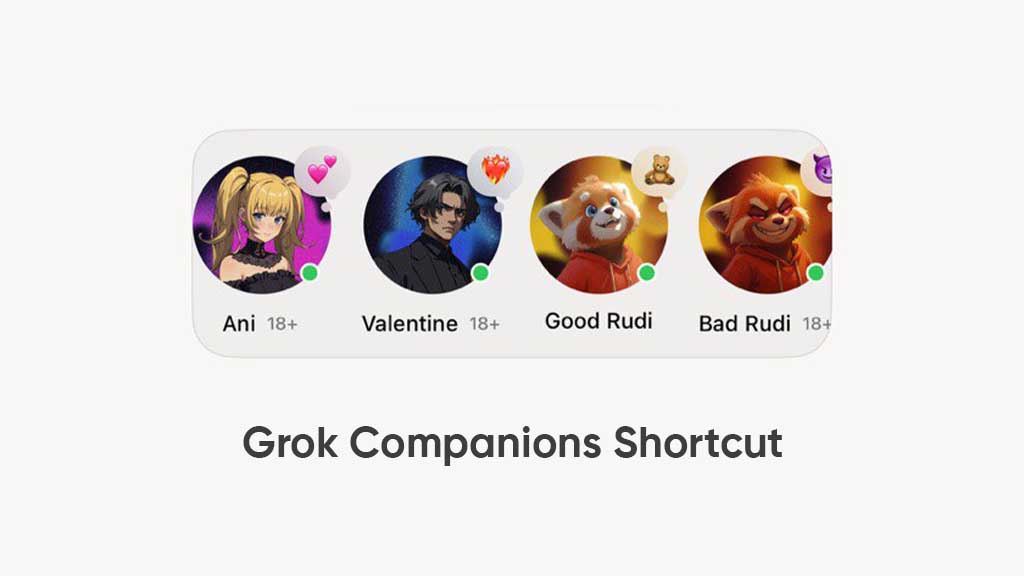
AI company, xAI, is pushing a new app update on App Store, bringing new features and improvements for users, and recently, the app has received a new makeover, bringing a convenient Companions shortcut.
After the recent update, users will see a shortcut to see the companions on the app’s home screen. This revealing button is situated below the Ask and Imagine tabs. This shortcut button will expand all companions, including Ani, Valentine, Good, and Bad Rudi.
This new improvement will allow you to access companions faster and efficiently without impacting the home screen view. Prior to this addition, the app used to show a companion shortcut above the prompt bar, but it appears that the xAI team has finally found a more space-saving way to provide a companion shortcut.
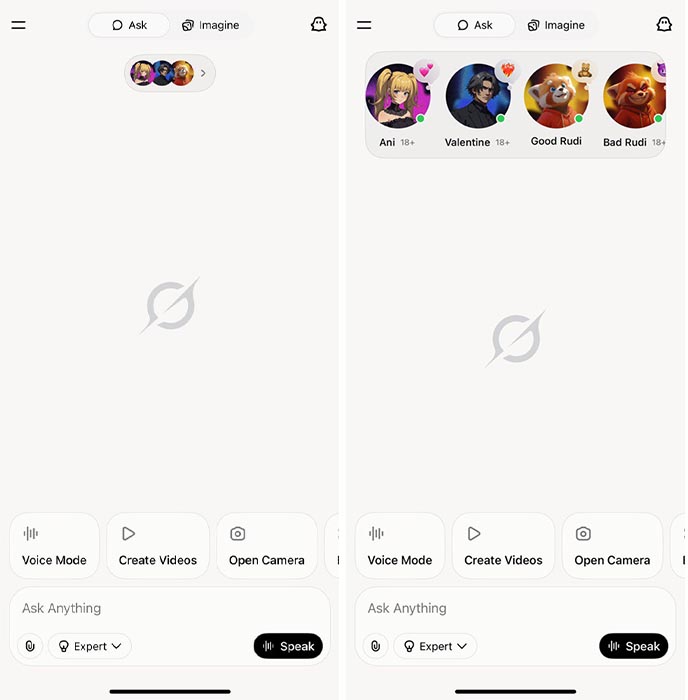
Grok companions shortcut on the home screen
Initially, Grok companions were part of the side menu and launched immediately after tapping on the shortcut. These companions are available for iOS users, but Android users are still in the queue. The company has recently released new outfits for these companions to make them more visually appealing and improve the conversation experience.
Companions are 3D animated avatars that use AI model capabilities. You can talk to them via voice or type to these companions to start the conversation and take it anywhere. For example, Rudi has two personalities, one good and another bad. These two provide entirely different tones and characteristics. Except for Good Rudi, Ani, Valentine, and Bad Rudi are available only for adult users.





