
xAI
xAI releases Imagine video generation templates for Grok users

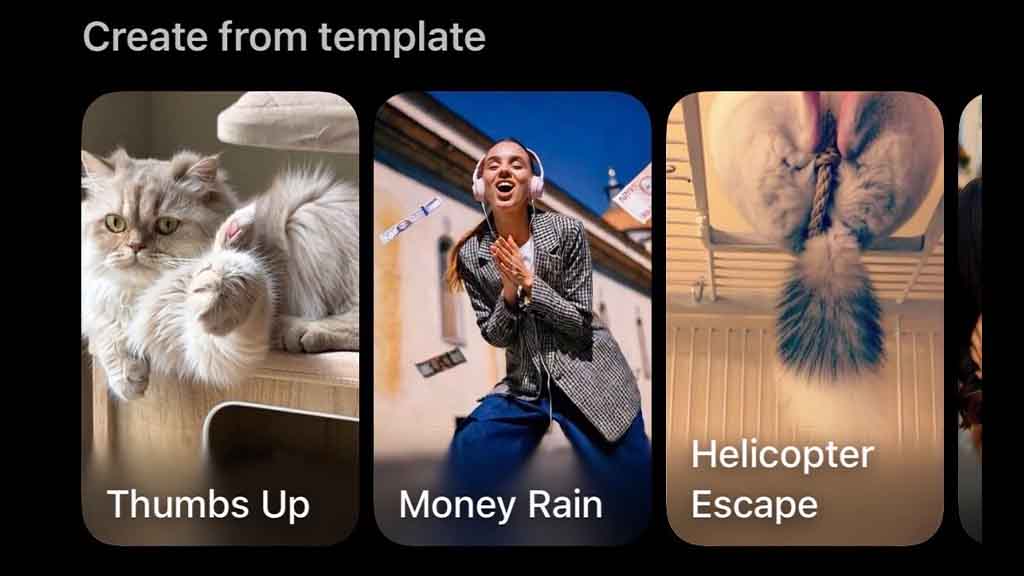
xAI is releasing new templates for Grok app users, bringing a ready-to-use solution for an Imagine video generation feature. These new templates are part of the latest improvements rolled out for iOS users, and since Android development is running late, a large user base will be excluded from accessing this capability.
After this update, the Imagine tab will show you these templates on top of the video library, which includes options:
- Animate Your Photo
- Thumbs Up
- Money Rain
- Helicopter Escape
- Add Girlfriend
xAI Grok Imagine Templates
For example, the “Animate Your Photo” template will let you animate your photograph. You can do this with the upload button on the bottom left inside the prompt bar, but new templates will Grok Imagine’s capabilities and let you use them without any specific instructions. Once selected, the Grok app will ask users to select an image from the Gallery and finalize it for animation.
The same goes for other templates, and users can switch back and forth each time they want to generate a new video. In the meantime, the gallery below is available to remix the existing ideas.
These new improvements follow the Grok Imagine 0.9 version release, which is the first major upgrade to this video generation feature. This update primarily targets the generation speed, which has improved compared to the initial update.
Try @grok Imagine templates! Simply select a template. No prompt needed! pic.twitter.com/OXEqeAg9AU
— Ethan He (@EthanHe_42) October 11, 2025





