
xAI
New Grok Imagine video generation UI is coming soon

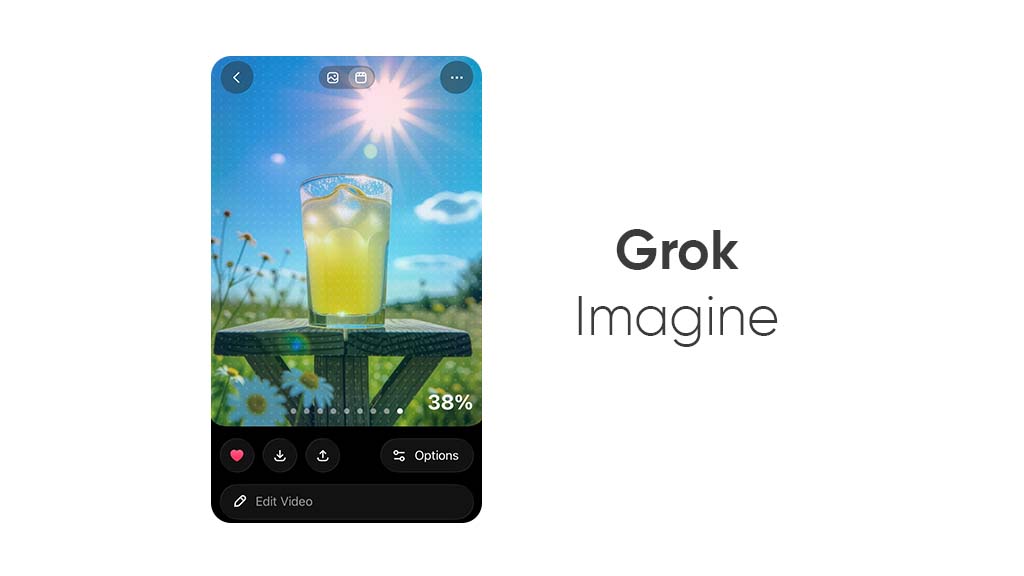
xAI is cooking a new UI upgrade for the Grok Imagine video generation feature, allowing users to get a new experience while generating videos with this AI app on the iOS platform.
Starting with the top, the image and video switch is now placed on the top-center of the screen. The back and feature options button on the left and right sides are magnified in the new version.
The larger part is dedicated to the video section, with options to see variations, and users can swipe left and right to navigate through the previously generated videos with the same prompt or image. The video processing percentage is now on the video preview window (at the bottom-right).
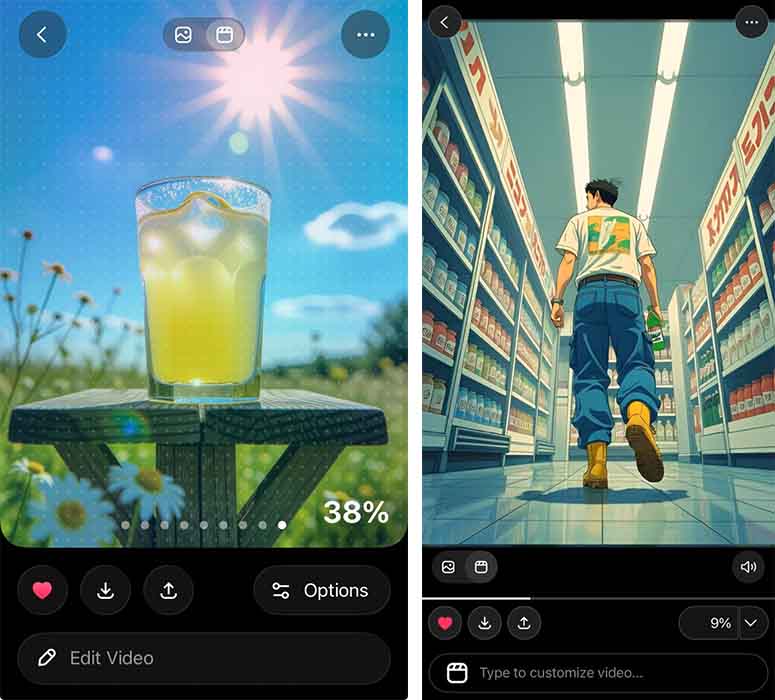
Upcoming UI (left), Current UI (right)
The video generation progress bar is removed, and the buttons are also magnified, including favorite, download, and share on the left. Meanwhile, the rest of the options are now resting inside an “Options” button on the right. The edit prompt bar is also revamped with a new icon and “Edit Video” label. This UI is more practical and clean for a refined user experience.
Grok Imagine enables users to generate videos with a text prompt within a few seconds. The feature also lets you transform any image/picture into an animated video.
The new Grok Imagine UI is under testing, and xAI could release it soon for all users with a new app update on App Store.
(source)





