
xAI
xAI Grok users can now create folders of Imagine AI videos

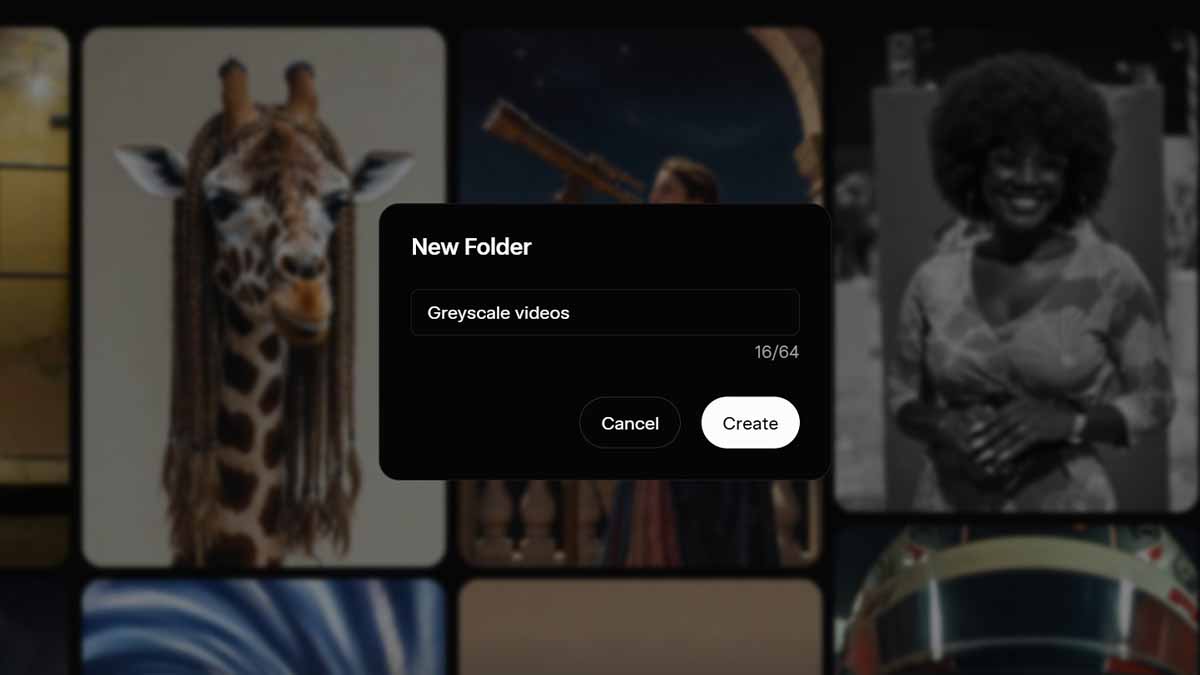
xAI has released the folders feature for Grok users that will allow you put all of your Imagine videos into separate folders for a clean and organized look. Grok Imagine lets users turn their imagination into videos with text instructions.
Update: Folders feature is renamed as tags
Grok can create a 6-second video for free users, and recent updates have improved the quality and instructions following capabilities of the model. However, the AI firm continues to make things interesting, and SuperGrok users can now go up to 10-second videos. You can also stretch the video length to additional seconds with a brand new extend feature within the generation window.
You can choose the aspect ratio as well as the mode of video generation, such as spicy and fun. These options provide a wide variety of video generation possibilities that users like to play with. However, it also complicates the workflow with all AI-generated videos cluttered in the favorite section.
Folders
With this new feature, you can create folders for your Imagine videos and place them inside, so the favorite section looks organized. It will also help you to easily find their videos that used to require infinite scroll and manual searching.
xAI Grok Imagine Folders feature
Here’s how to create a folder for Grok Imagine videos
- Open Grok web, go to Imagine, and then tap on the folder icon on the top left of the saved videos section. Enter a name for the folder, and it’s done!
- Now you need to hover the mouse pointer over a favorite/saved video and then tap on the folder icon. Select the newly created folder, and that will do the work.
- Once saved, you can now sort through that folder on top of the screen. However, you will still see all of your recently generated videos in one place.

xAI has released the folders feature for all Grok Imagine users on the web; its mobile app availability is yet to come.





