xAI
xAI Grok Imagine gets two new generation modes, Pro mode is also coming

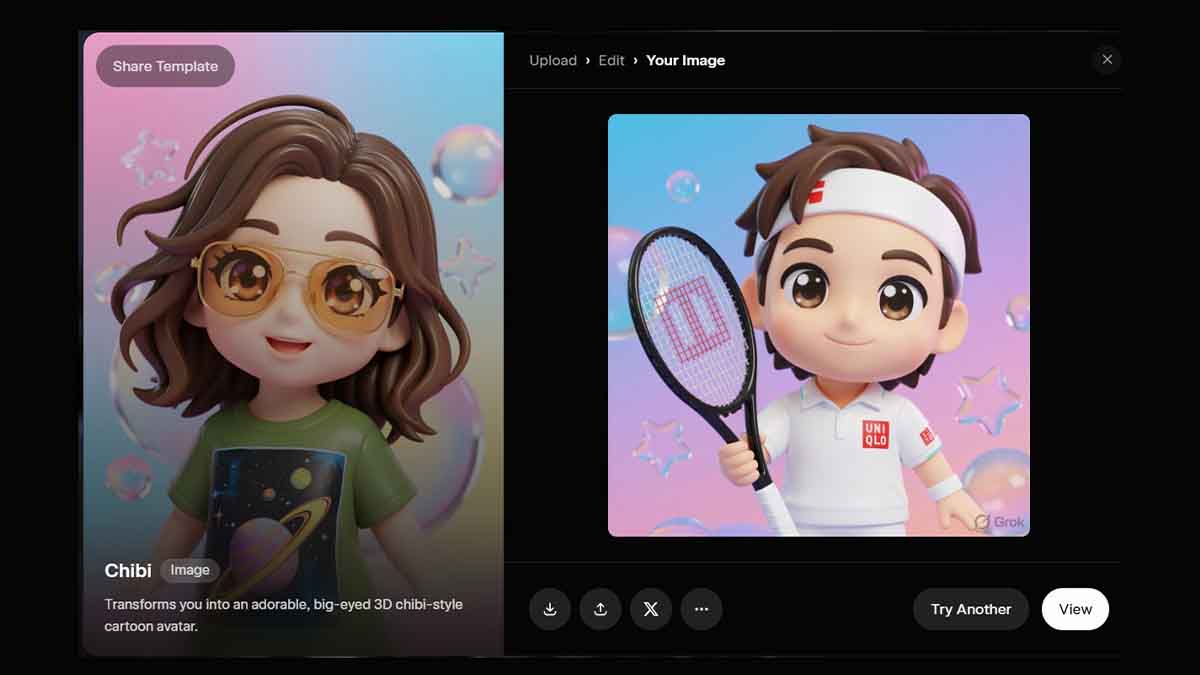
xAI has released a new update for Grok Imagine on the web, bringing two new modes to image and video generation to control speed and quality.
The Imagine prompt bar has simplified the controls to generate a video based on visuals or generation speed with “Speed” and “Quality” modes. Here’s some more information about the two modes.
- Quality (new): Produces next-level images with jaw-dropping detail, realism, and creativity, generating four high-quality images at once instead of an infinite scroll.
- Speed: Delivers lightning-fast generations with consistently impressive results, just as you’ve experienced before.
Once entered, the prompt will be used to generate images or videos based on either of these modes. You can change the aspect ratio at any point in time. However, the rest of the things will be managed by Imagine itself.
Some of you might not see the newest options due to their active expansion, but they will be available for all users soon. Meanwhile, the current UI may also show the old controls.
xAI Grok Imagine gets two new image and video generation modes – Speed and Quality
Pro mode
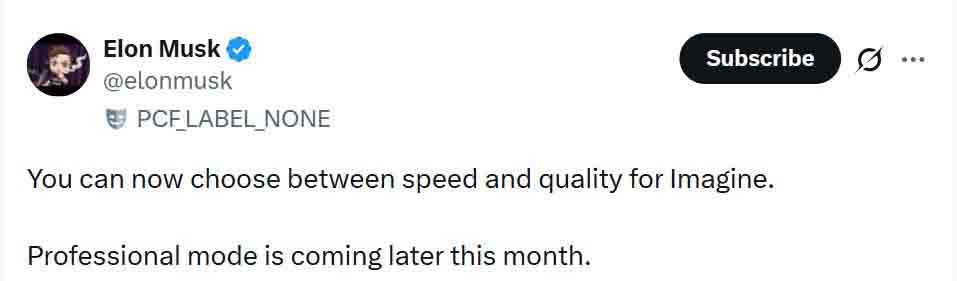
xAI CEO, Elon Musk, has confirmed that a Pro mode is also coming this month for Grok Imagine users. The details about the mode remain unknown, but the name suggests that it will give more control of the video generation to users than what is currently seen.
Maybe a larger video extension or better resolution control. We’ll find out soon about this.
Imagine is a text-to-video generation AI model, developed by xAI for Grok users on all of its platforms, including web and mobile. It generates a few seconds of video clip within a few seconds, and xAI continues to improve its quality each week with new updates.