Apple
How to download iOS 27 public beta on your iPhone

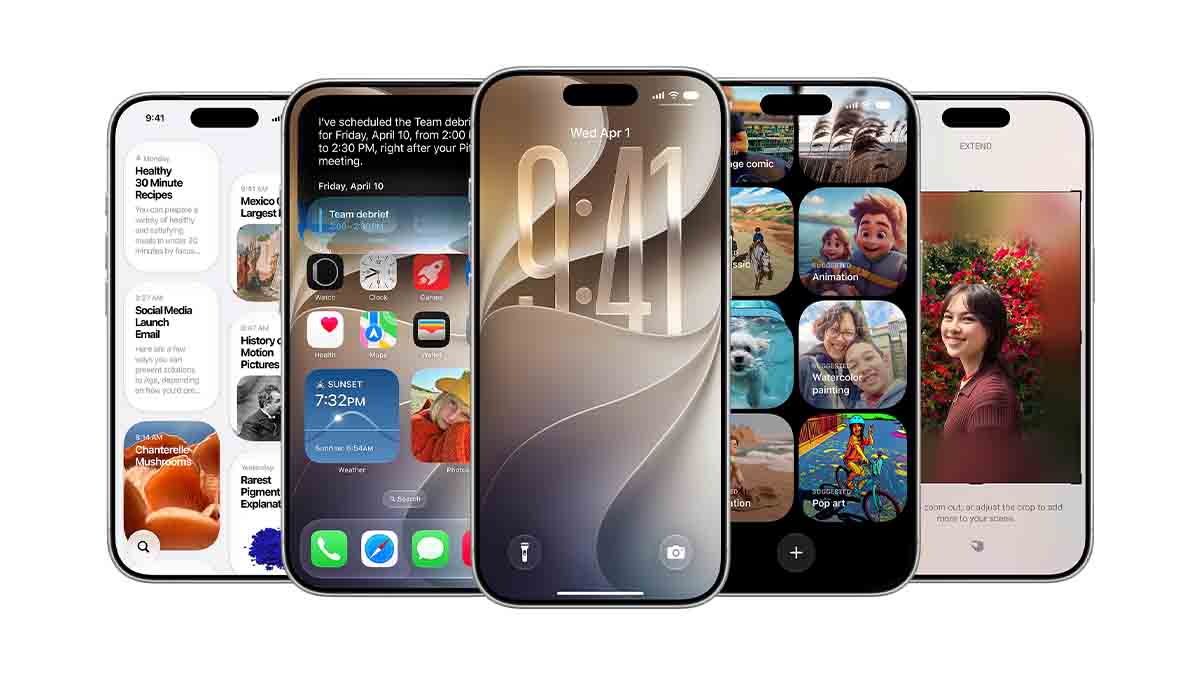
Apple has released iOS 27 public beta for users around the world, allowing them to test the latest features, and here’s how you can download it on your iPhone. Up until this moment, iOS 27 was limited to developers, but this announcement has expanded the scope of testing.
Here are a few things you should know before you move on to the download process.
The beta program is designed to let users try out pre-release software and features. You can provide valuable feedback to help improve its new capabilities and fix bugs to prepare for the final rollout.
However, the software brings a fresh experience, and as beta software, it may have some unknown bugs that might hinder the experience. So far, iOS 27 hasn’t brought any bugs that could disrupt any feature across the system. So, it could be the most robust iOS version released so far among the past few generations in the software’s history.
You are also advised to back up your iPhone using Time Machine before installing the beta software. If you have a secondary compatible iPhone, try installing the beta in that model to keep your experience worry-free.
How to download the iOS 27 public beta
Go to Settings > General > Software Update > Change the Beta Updates channel to iOS 27 Public Beta. Once selected, you should see the new download package for this new update. The system may ask you to accept the beta program terms and conditions before signing up for the software.
You should know that the first download package will have a huge download size. So, keep your device connected to Wi-Fi while the iPhone downloads this new update. Once downloaded, you can choose when to install the software.
After installation, give a few minutes for the iPhone to settle background processes and then explore the new features.