
xAI
xAI Grok adds Google Calendar, Gmail, Notion and Slack support

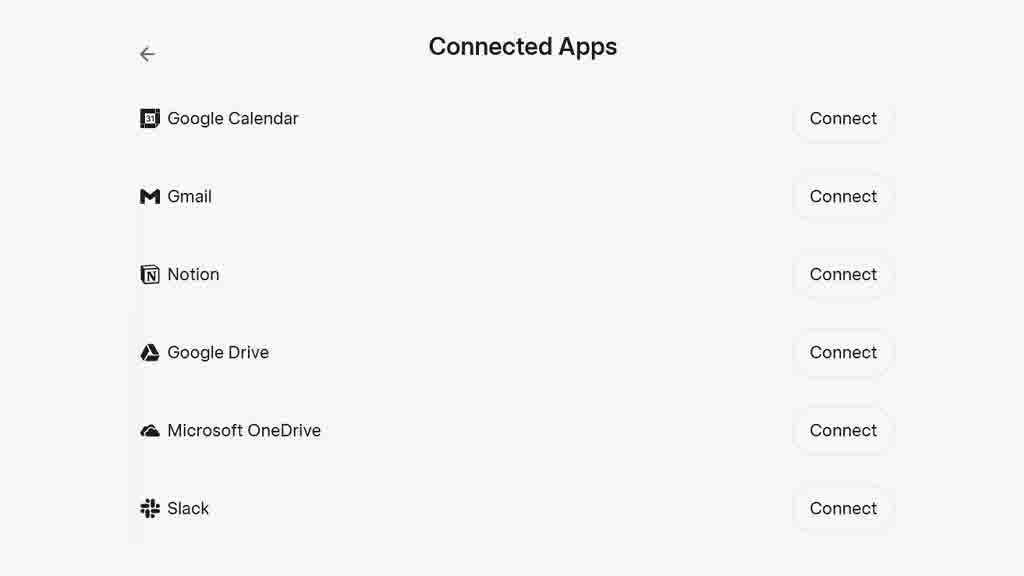
AI company, xAI, has expanded connected app support for the Grok app, bringing Google Calendar, Gmail, Notion, and Slack among the existing options. A few months ago, Grok received Google Drive and Microsoft OneDrive integration, allowing users to sync their cloud data with the chatbot. Once connected, Grok can search through the files on the cloud storage to answer accordingly.
These new apps also similarly empower Grok. Google Calendar will allow users to access their schedules, events, or add new ones within the chatbot. This will streamline such event management from one platform instead of opening the Calendar app separately.
Gmail will let you access your inbox, compose a new email, or send a reply. You will find similar app-specific capabilities for Slack, such as chatting in channels or creating new workspaces in Notion.
Connected apps not only mainstream your workflow but also provide you with an all-in-one solution through AI integration for quick solutions.
If you want a better experience, Grok can offer task automation with the Tasks feature, and these connected apps are also available; therefore, you can automate anything you want. For example, sending an email to a friend with specific content daily.
To connect your Google Calendar, Gmail, Notion, and Slack account with Grok, go to grok.com and navigate to Settings. Here you will see the Connected Apps section, and you tap Connect. Each of these apps will redirect you to their websites to authorize Grok integration. Once connected, you can start interacting with Grok based on connected apps.





