xAI
How to change Ani Grok companion’s hairstyles

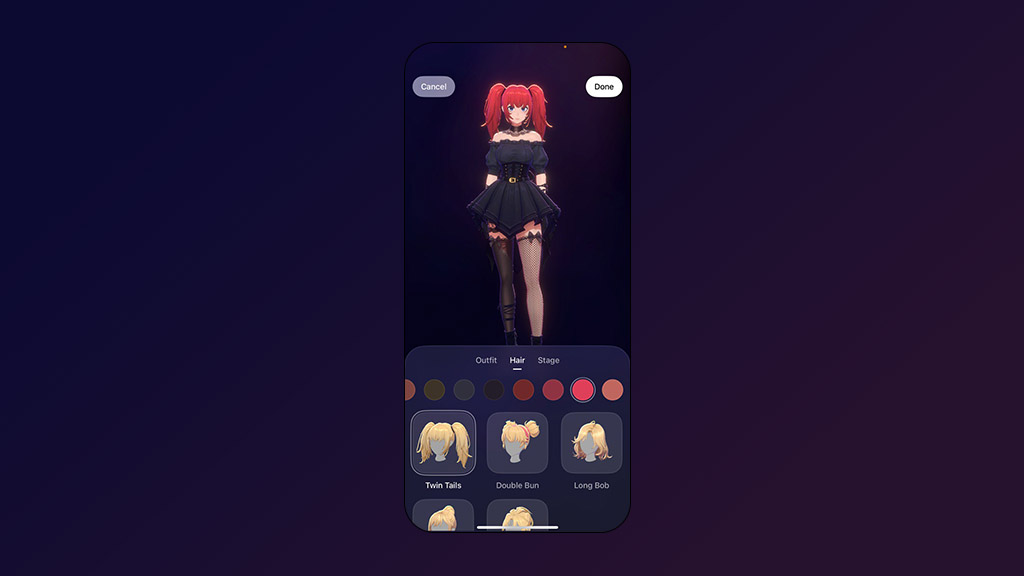
xAI is rolling out new hairstyles for Ani Grok AI companion, and here’s how you can use these to improve her appearance, while getting a new experience.
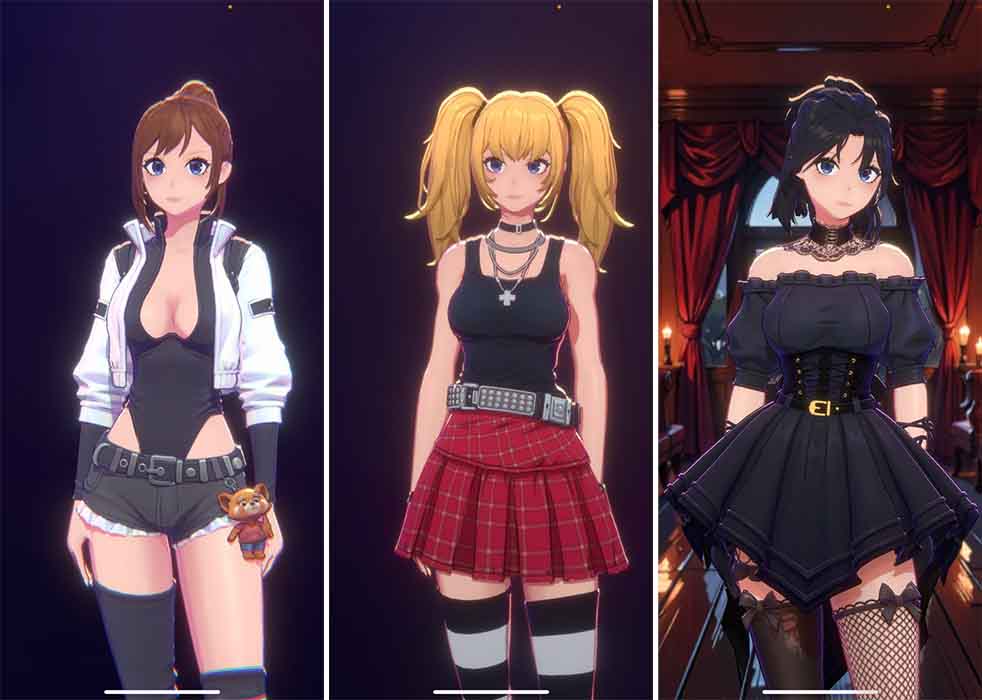
By default, Ani brought a two-tailed hairstyle, but now she has four additional hairstyles, including Double Bun, Long Bob, High Bun, and Half-up. Each of these is designed to match with outfits. On top of that, you can change the hair color to further optimize her looks.
To use the new hairstyles for Ani Grok companion, download the latest Grok update from App Store, since this feature is limited to iOS, xAI will be keeping the Android users at bay.
Once downloaded, open the Grok app and navigate to companions from the tab bar. Tap on Ani from the four companions. Make sure you have the NSFW mode enabled from the Settings to see all of the 18+ companions.
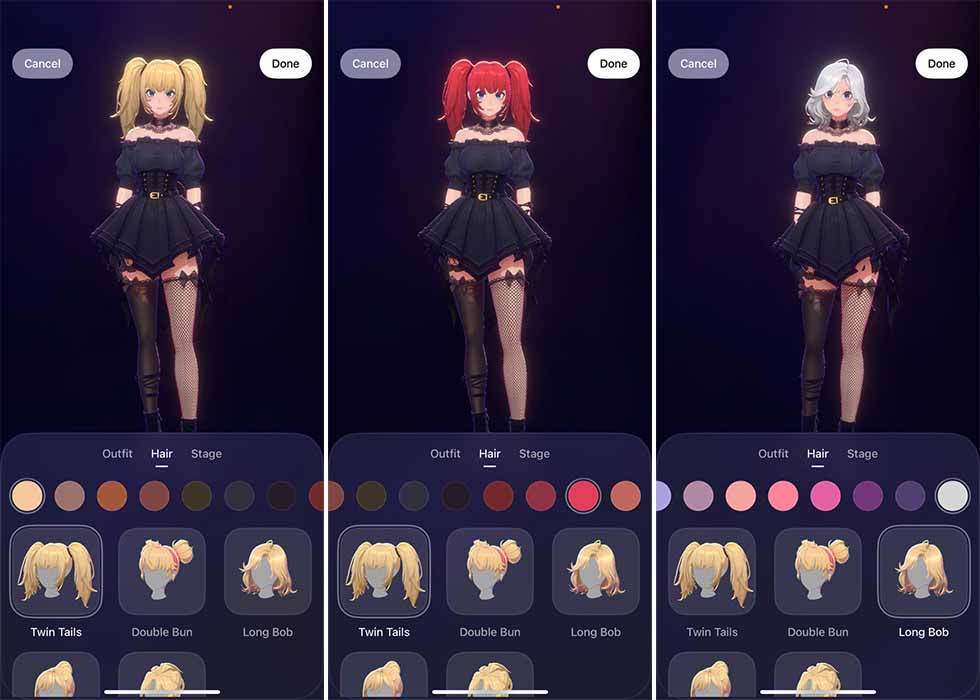
Check the hanger icon on Ani’s display and select the Hair section. Here you will see the new hairstyles. The app will show you a preview of the real-time changes on the screen, which you can enlarge. Similarly, you can also change the outfits and make a whole new attire.
Post-selection, tap done to confirm the changes and return to the main screen. You can repeat these instructions to change the hairstyles anytime.